AI Drafting: Professional Letters in Minutes, Not Hours
AI Drafting works with the documents and data you've already collected.
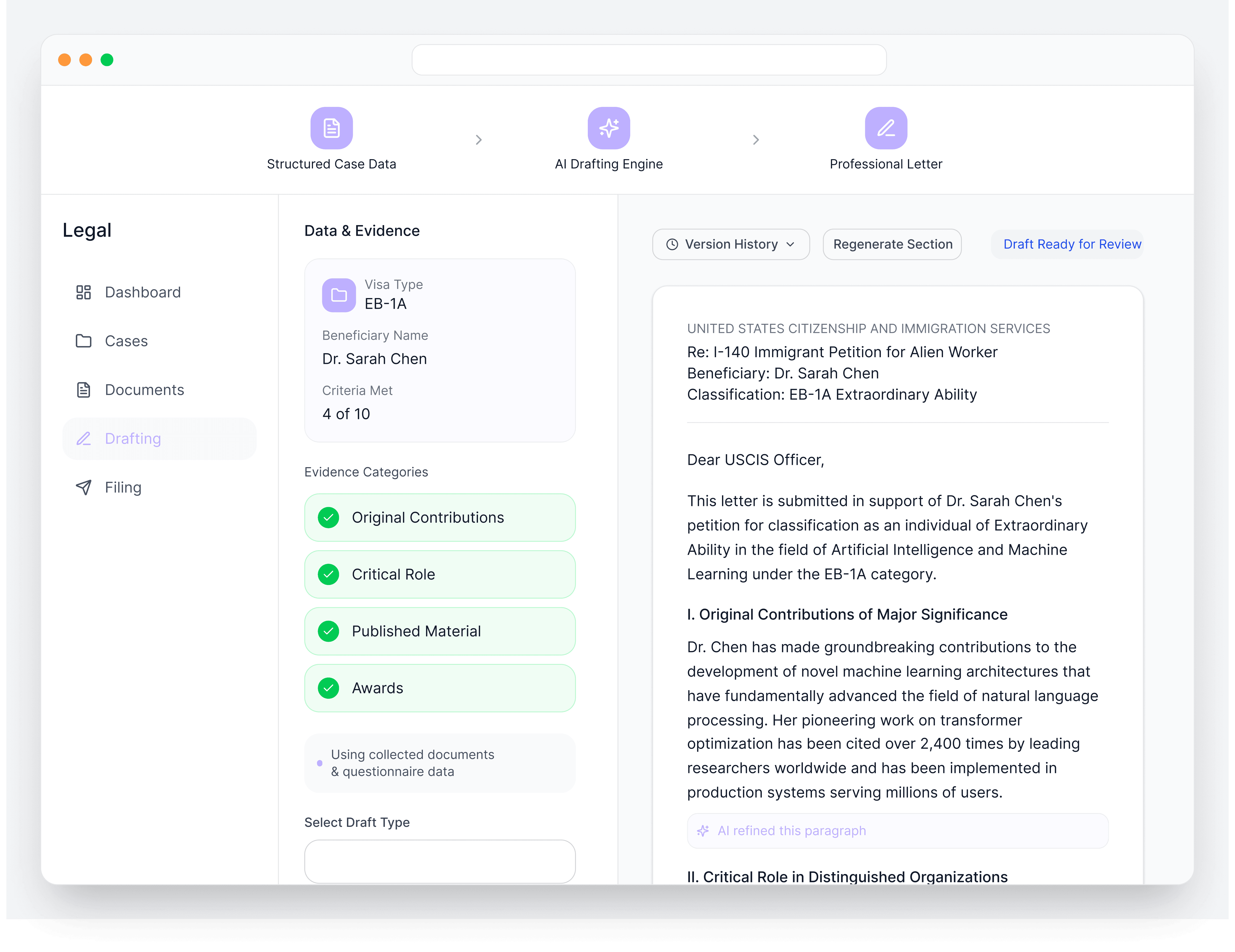
Drafting immigration letters is time-consuming. Each case needs multiple letters: recommendation letters from different people, support letters addressing specific criteria, cover letters summarizing the entire application. And when you get an RFE, you're starting from scratch under deadline pressure. While LegalBridge AI can draft high-quality letters in minutes.
Problem
How It Works
Input
Complete letter-specific questionnaire and upload supporting documents

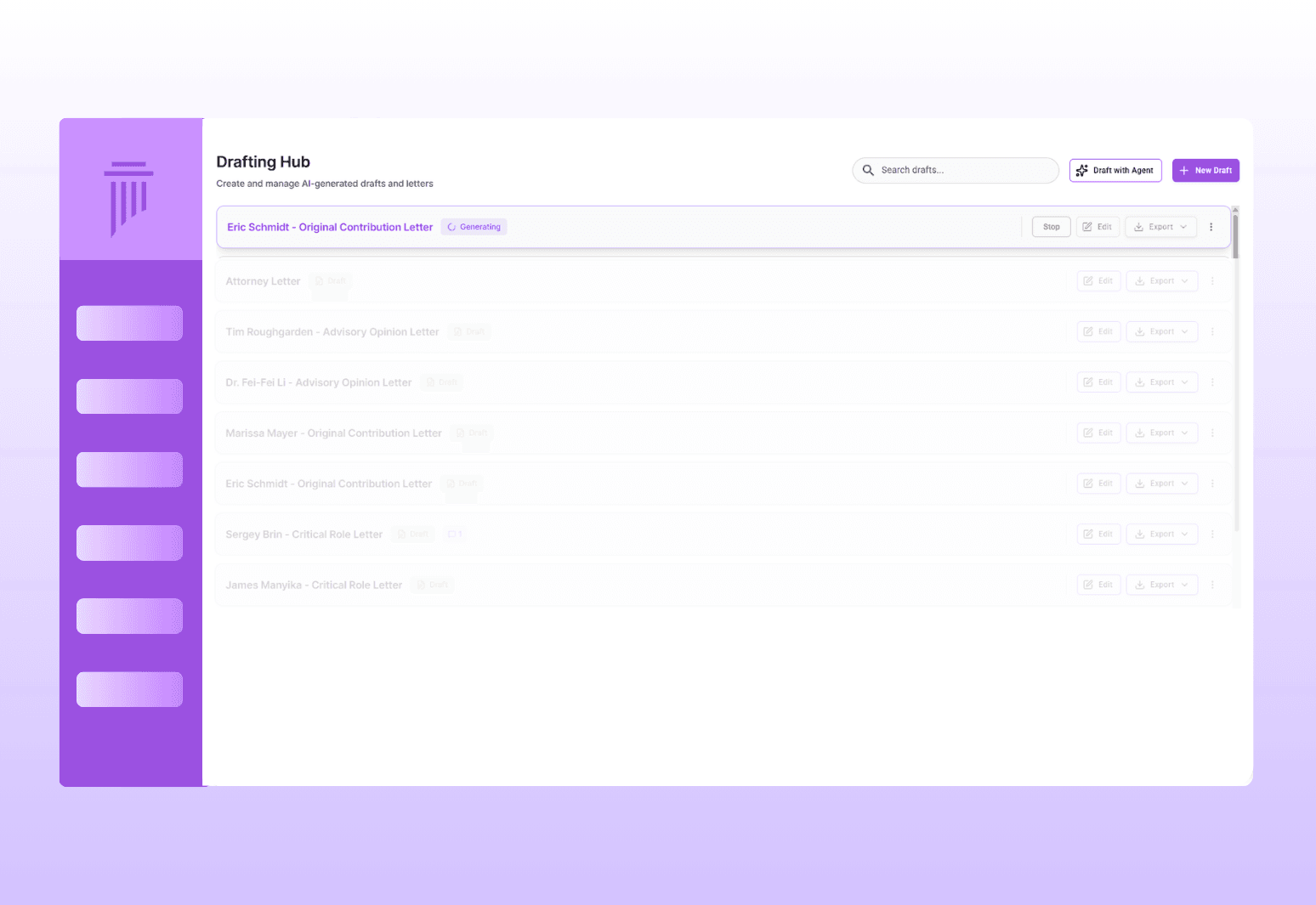

Generate
AI drafts the letter in 30 seconds to a few minutes
Edit
Attorney refines the draft using the built-in editor
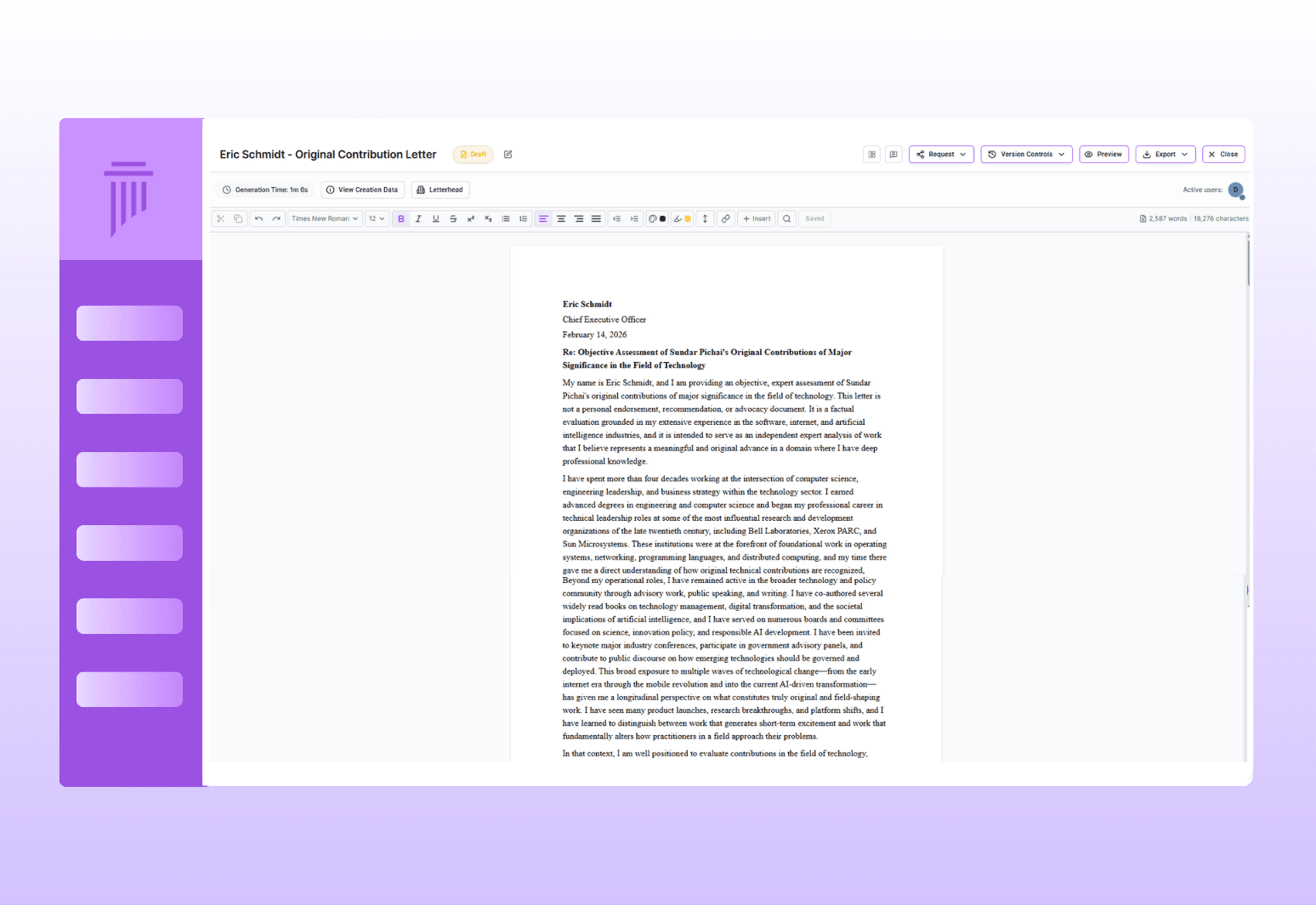
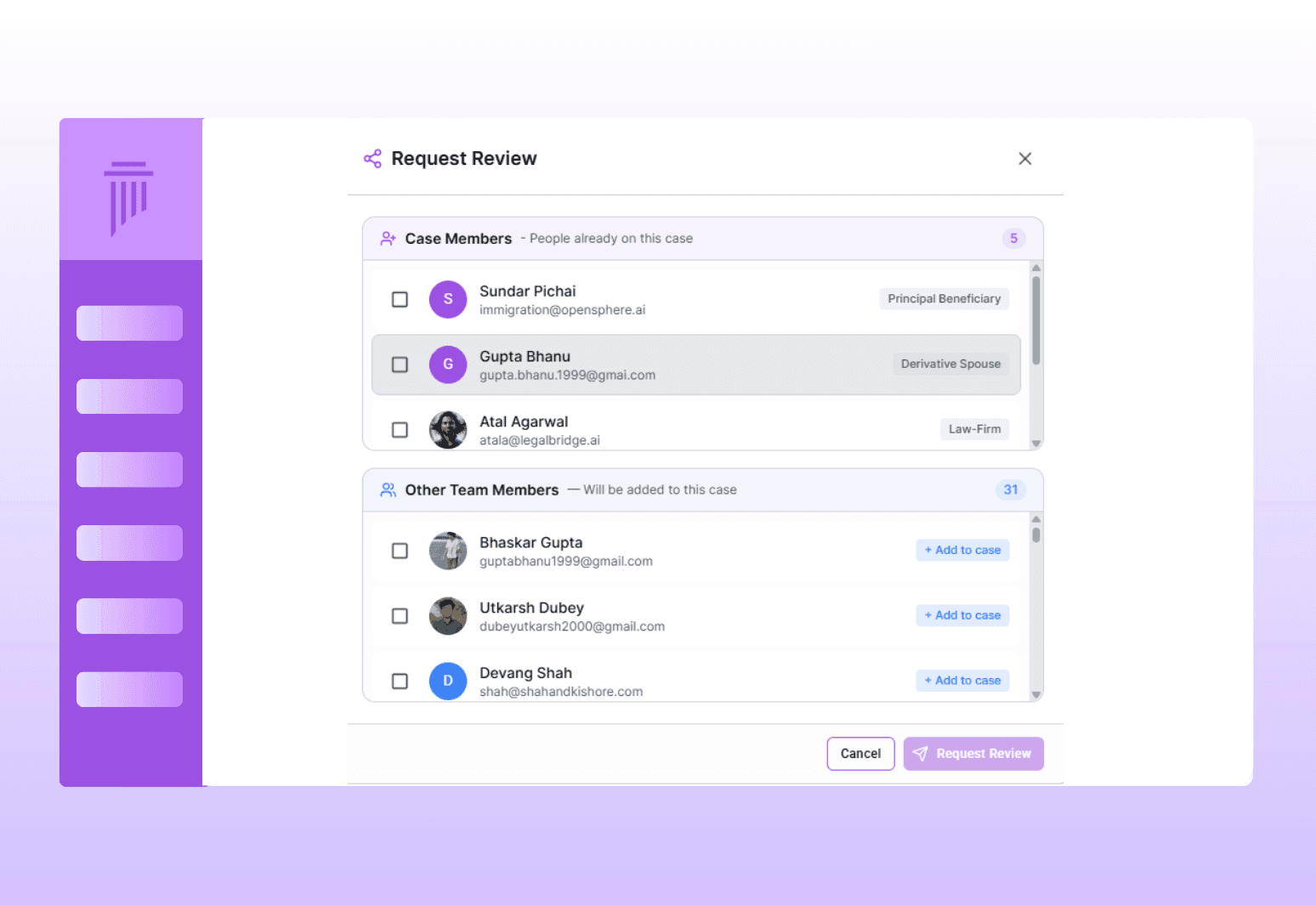

Review
Share with client for review and approval; then send to recommender for signature
Letter Creation & Drafting
Everything you need to create immigration letters - from smart questionnaires and fast AI drafting to firm-styled templates and built-in editing tools.
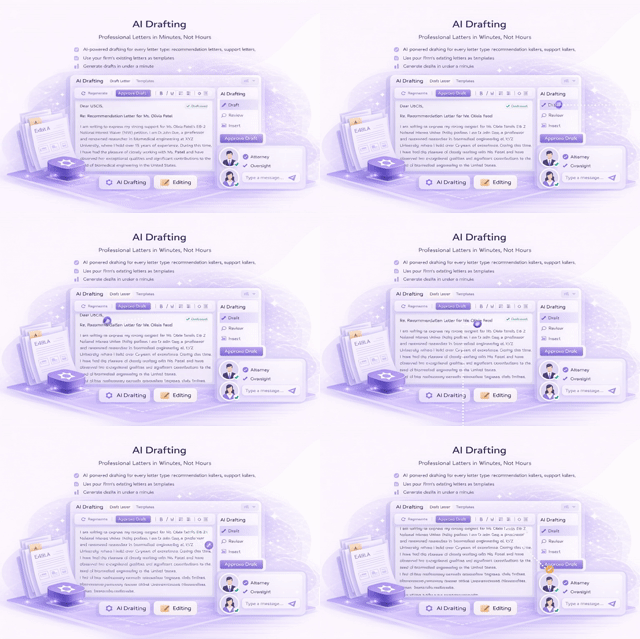
Comprehensive Letter Types
Fast Generation
Firm-Specific Templates
Letter-Specific Questionnaires
Built-In Editor with AI Assistance
Recommendation Letter Workflow
0%
0%
Faster Results
18%
18%
Client Satisfaction
10+
10+
Law Firm's Trust
RFE Response Drafting
Upload the RFE, let AI identify required documents, organize exhibits, and generate a response cover letter with proper exhibit references.
The RFE Response Flow
Upload the RFE to the platform
AI analyzes the RFE and identifies required documents
Organize your response documents as exhibits
AI drafts the RFE response cover letter with exhibit references
Review & Approval Workflow
Criteria-Specific Drafting
Export Options
Quality Safeguards
Review, Response & Delivery
Manage RFE responses, multi-stage reviews, approvals, and exports—with quality safeguards ensuring accuracy before filing.
Connects to Your Entire Workflow
AI Drafting works with the documents and data you've already collected.
Connects To | How |
|---|---|
Documents | Case documents inform letter content |
Questionnaires | Letter drafting questionnaires collect targeted information |
Client Portal | Clients review and approve drafts through their portal |
Exhibits | RFE response letters reference exhibit numbers from your case assembly |
AI Evaluation | RFE evaluation identifies needed documents; drafting creates the response letter |
Why LegalBridge?
Without LegalBridge
Writing letters from scratch for every case
Generic AI output that doesn't match your style
Emailing drafts back and forth for review
Chasing recommenders for signatures
Scrambling to respond to RFEs under deadline
AI drafts in under a minute
Use your existing letters as templates
Built-in review and approval workflow
Public link for easy review and e-signature
AI analyzes RFE and drafts response cover letter
Security & Compliance

SOC 2 In Progress
Type I and Type II certification in progress

Data encryption
All data encrypted on AWS servers

Expert insights
Available for law firms to enable for their team
FAQs
We’ve Got the Answers You’re Looking For
Quick answers to your questions.