Client Portal: One Place for Clients, Documents, and Communication
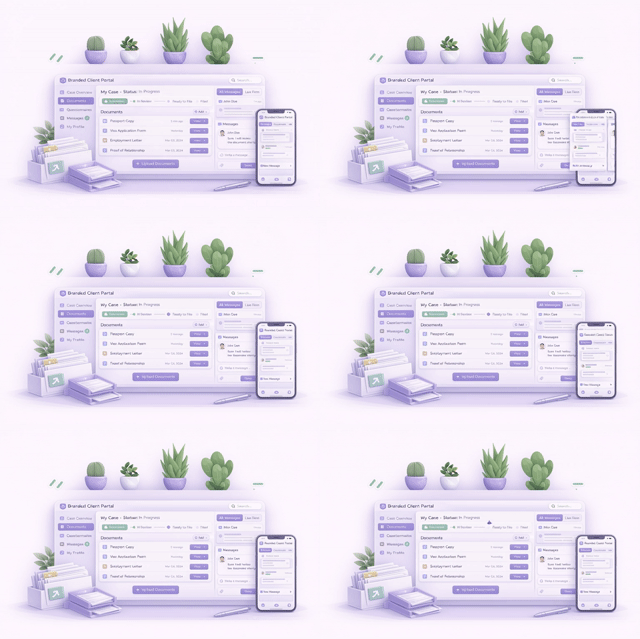
Give every stakeholder, immigrants, employers, HR teams, family members—a branded portal to upload documents, complete questionnaires, track case status and communicate with your firm.
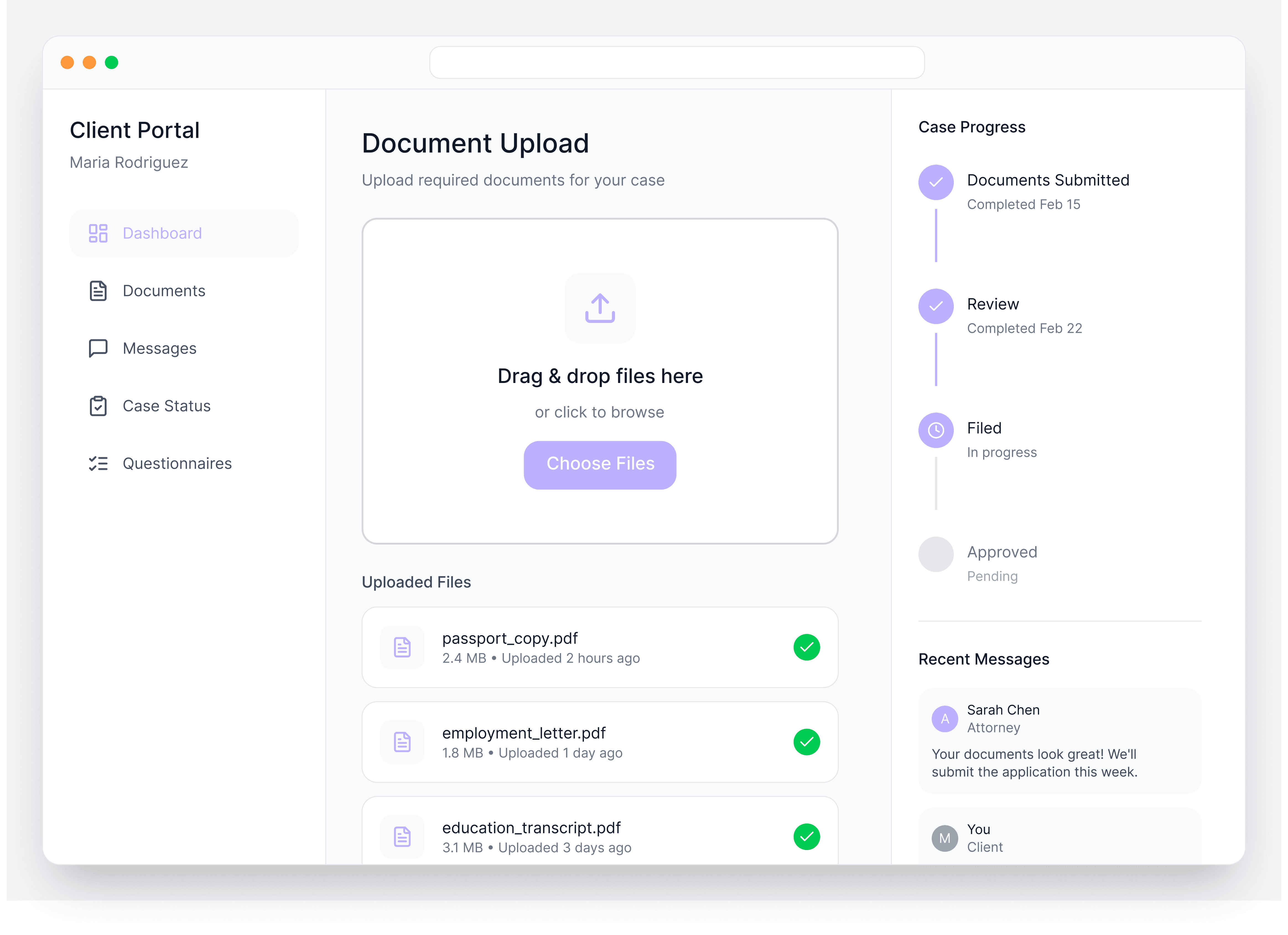
Immigration cases involve multiple people the immigrant, their employer, HR contacts, sometimes family members. Coordinating document collection across all of them through email chains is chaos. Documents get lost, versions get confused, and you spend more time chasing paperwork than building cases.
LegalBridge gives everyone involved a single, secure place to collaborate. Clients know exactly what's needed, you know exactly what's been submitted, and nothing falls through the cracks.
Problem
How It Works
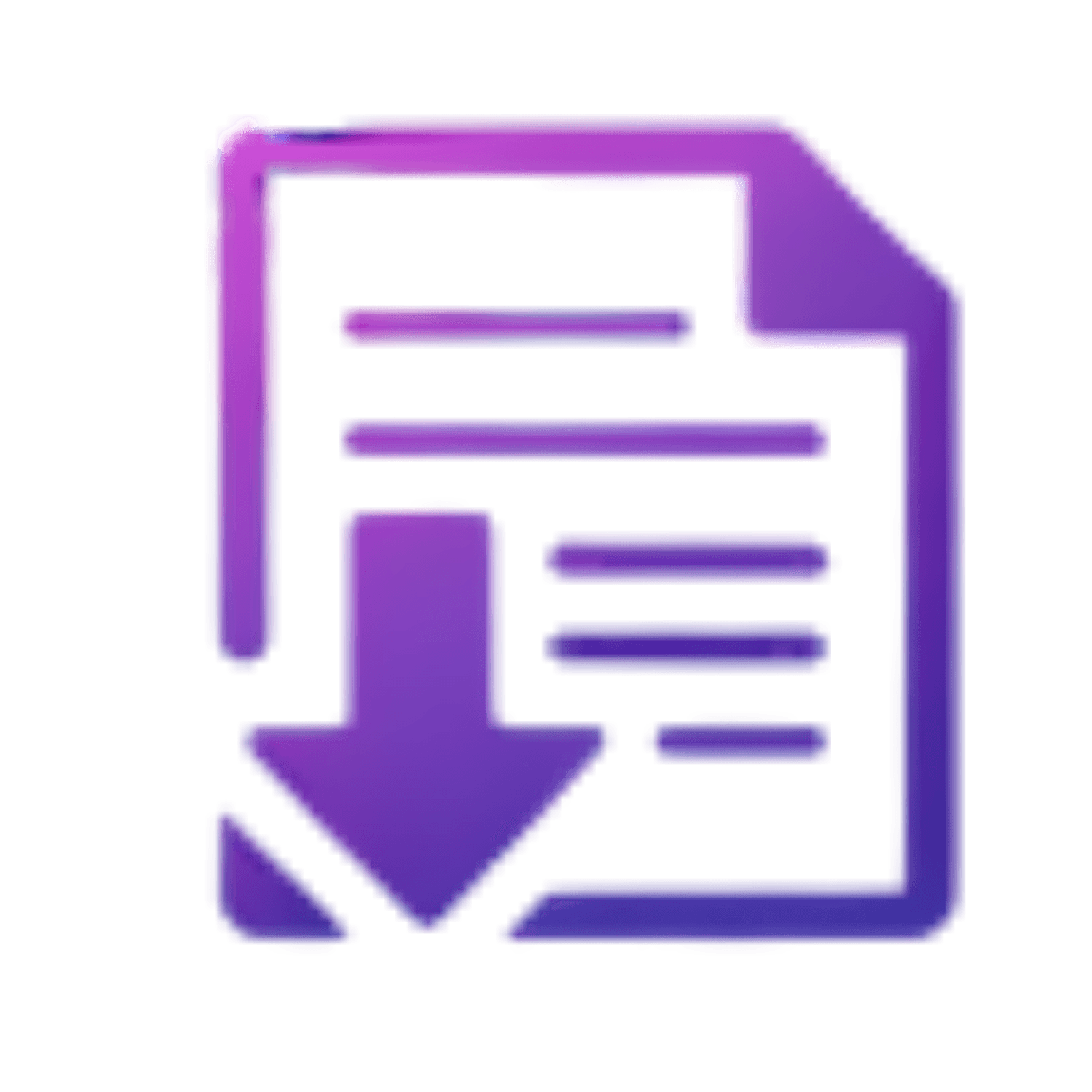
Invite
Add client email and they receive an instant invitation link (or copy the link to share via text)


Access
Client logs in with a default password, then sets their own secure credentials
Collaborate
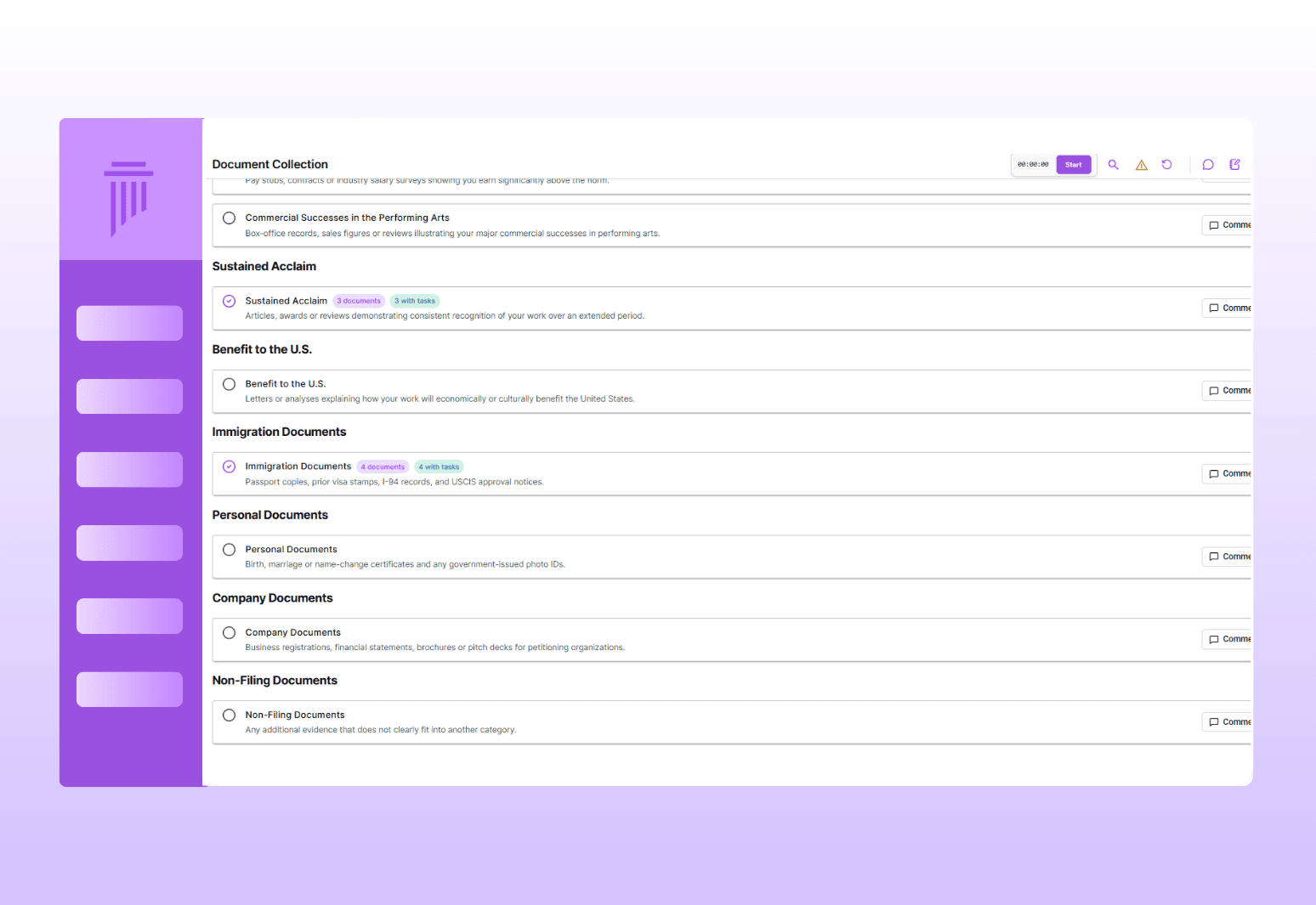
Clients upload documents, answer questionnaires, review letters, and message your team


Track
Everyone stays informed with automatic case status updates and notifications
Portal Access & Collaboration
Invite all stakeholders to a self-service portal where they can upload documents, complete questionnaires, and message your firm directly.
Multi-Stakeholder Access & Roles
Document Collection & Checklists
Easy Invitation & Access
Complete Client Self-Service
In-Portal Questionnaires
Built-In Messaging
0%
0%
Faster Results
18%
18%
Client Satisfaction
10+
10+
Law Firm's Trust
Smart Notifications
Keep everyone informed without manual follow-up. The system automatically notifies clients when action is needed.
Notification Triggers
Documents requested from them
Questionnaires ready to complete
Documents ready for review
Case status updates from USCIS
Messages from the law firm
Delivery Channels
Email: All notifications sent via email by default
SMS: Optional text message notifications for clients who prefer them
White-Label Branding
Automatic Case Status Updates
Notifications & Branding
Automatically notify clients when action is needed, provide real-time case status updates, and customize the portal with your firm's branding.
Connects to Your Entire Workflow
The portal is the client-facing layer of your complete case management system.
Connects To | How |
|---|---|
Document Management | Client uploads flow directly into case files with AI categorization |
Questionnaires | Client responses populate form fields automatically |
Forms & Auto-Fill | Forms ready for client review and signature through the portal |
AI Drafting | Recommendation letters available for client review |
Case Tracking | Status updates visible to clients and automatically shared |
Why LegalBridge?
Without LegalBridge
Documents scattered across email threads
Manual follow-ups asking for missing items
Clients asking "what's the status?" constantly
Coordinating multiple stakeholders via separate channels
Generic third-party tools with your data elsewhere
All documents in one organized case file
Automated notifications keep clients on track
Automatic status updates sent to all stakeholders
Everyone collaborates in one branded portal
White-labeled portal that looks like your firm
Security & Compliance

SOC 2 In Progress
Type I and Type II certification in progress

Data encryption
All data encrypted on AWS servers

Expert insights
Available for law firms to enable for their team
FAQs
We’ve Got the Answers You’re Looking For
Quick answers to your questions.